
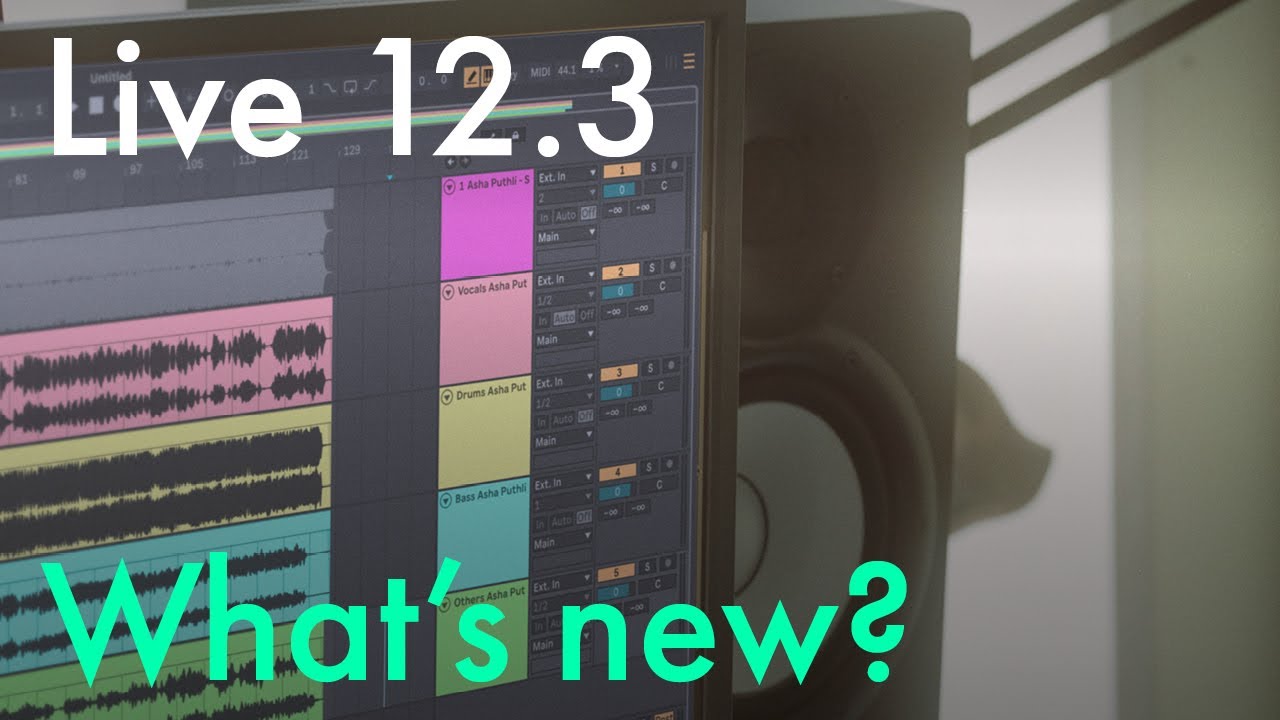


Ableton Live 12.3, Push 3 Standalone 12.3, and Ableton Move 1.8 have just been released, bringing a huge number of new features and improvements to the platforms and ecosystem.
I took the time to gather the core highlights from each update and compiled links to the official release notes below for easy reference.
Use the Table of Contents links to jump to specific sections, or click “Continue Reading” at the bottom of this email to view the full page.
I hope you this saves you time exploring the new updates #bookmark.
[I updated this article to incorporate Ableton Note 1.7.2 features that were also just added.]
Ableton Live 12.3
Highlights
- Stem Seperation
- Splice Integration
- Auto Pan-Tremolo updates
- Bounce Group Tracks
- Paste Bounced Audio
- Device A / B Comparison
- Core Library Updates including XY mappings to Rack presets.
- Updated the bundled Max version to build 9.0.9
- And many many more updates including quality of life things like “A different installer technology is now used on Windows, which makes the installation and uninstallation of Live significantly faster.”
Video
Links
- Product Page: https://www.ableton.com/live/
- Announcement: https://www.ableton.com/en/blog/live-12-3-is-here/
- Release Notes: https://www.ableton.com/en/release-notes/live-12/#live-123
- Max 9 Release Notes: https://cycling74.com/releases/max/9.0.9
Push 3 Standalone 2.3

Highlights
- Kaos Pad-like X/Y/Z Layout
- Split Stems
- Rhythm Generator
- Touch sensitive step editing
- Support for Class Compliant Audio Interfaces
- Duplicate Devices
- New startup help screen for what’s new
New Firmware Startup Help Screens
After you update your firmware, there are a bunch of and helpful screens to get you started with the new features.
Here is a slide show with screenshots for the Push 3 Help Screens for Ableton Push 3 Standalone 2.23 for or for Push 3 tethered Controller mode for Live 12.3.


Videos
Below is are a few videos illustrating some of the new features including XYZ (it was shot during beta but still applies). I’m most excited about this layout as it brings a whole new performative aspect to Push 3 Standalone and shows potential for even cooler uses of the amazing MPE pads grid.
Links
- Release Notes: https://www.ableton.com/en/release-notes/push-12
- Product Page: https://www.ableton.com/en/push/
Ableton Move 1.8
Highlights
- Auto-Pan from 12.3 added to Move
- Move Sets can now use up to 800 MB of samples (for comparison… OP-1 Field 256MB, Digitakt 1 – 64MB, Digitakt 2 – 400MB)
- More sounds in core library
- When using the Move Control Surface for Live, it is now possible to navigate between device parameter banks by pressing Shift and turning the wheel (actually a Live 12.3 update but I listed it here)
Links:
- Release Notes: https://www.ableton.com/en/release-notes/move-1/
- Product Page: https://www.ableton.com/classroom/move/
Ableton Note 1.7.2
💡 PRO TIP: When you buy Ableton Note for iOS which is $6.99, the app contains a link to download Live Lite for free. Live Lite is normally bundled with qualifying hardware, so this is probably the cheapest way to get Live Lite.
Highlights
- New Drum Sampler Slice option allows you to slice samples and loops on up to 16 pads and adjust individual slices via dedicated markers.
- Ability to add external folders to Note’s Sample Browser
- New Auto Pan-Tremolo Effects Device
- New workflow for zooming and start/end for samples
Screenshots


Links
- Release Notes: https://www.ableton.com/en/release-notes/note/
- Product Page: https://www.ableton.com/en/note/
- App Store Link: Ableton Note iOS
Have Fun
There is a A LOT to learn so I hope you find this blog post helpful and have fun learning all the new features. I know what I’m doing in November and December.
P.S. Ableton has sales running through December 2nd on software and hardware including what I think is a no-brainer price on Ableton Move if you were on the fence. Now’s a great time to upgrade or pick one up.





You must be logged in to post a comment.